Create Coloring Books with MidJourney AI, and Canva







Creating coloring books for adults has become a lucrative venture in the digital products market. However, with so many options available, it can be difficult to stand out. That’s where AI tools come in handy. In this tutorial, we will cover three steps to create a coloring book that sells using AI tools: Niche research, using ChatGPT and Mid Journey AI to get the book elements and pictures we need, and finally, using Canva to put everything together.
Niche research coloring books
First, we need to do niche research, and we’ll be focusing on the Amazon platform. We want to study the best sellers to understand what they’re doing right and know how to structure our product. We also want to know if creating a particular coloring book is worth the time and effort and if there’s actual profit in doing so.
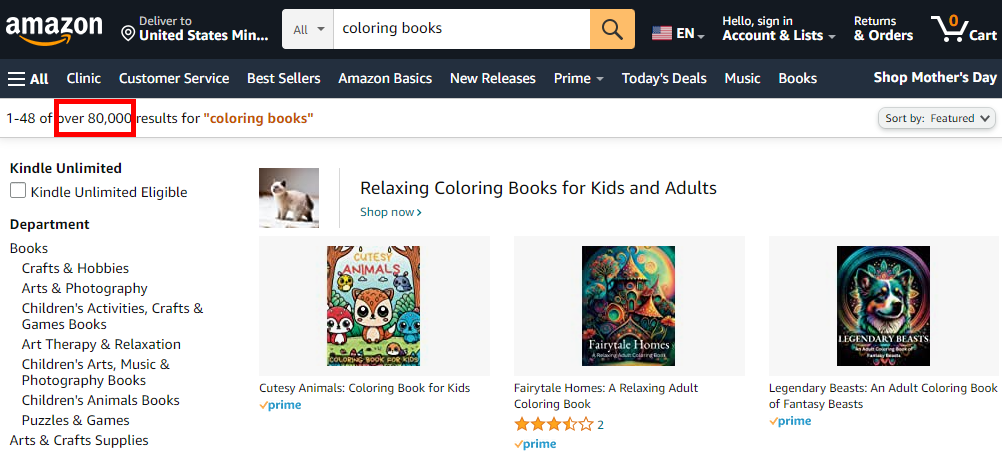
To begin, we go to amazon.com and type “coloring books” at the top. With around 80,000 results, we need to narrow our search.
Let’s make it more specific by choosing “adults relaxation”. The result drops to 30,000, but we still need to look at bestsellers within the adult niche.

We have patterns, animals, flowers, motivational coloring books, etc. For this tutorial, let’s dive deep into animals.
Now that we’ve reduced our search to the animal niche within adult coloring books, we need to verify this niche’s demand, competition, and royalties. We will use Book Bolt to analyze this information. There are other tools available, but Book Bolt offers a three-day free trial, which is enough for our purposes.
After installing the Chrome extension, we can click on it, and a dialog box will appear, showing all the information on that page. Once we click “Start,” it starts loading and pulling in all the information. We stopped at 22 products to analyze. To check demand, we need to look at the average number of sales per month. Within the 22 books we analyzed, the average sales were around 653.95, which is quite good. Let’s look at some books individually to see how they’re doing. For example, one book launched in January has an average of 237.6 sales per month, which is promising. To understand competition, we need to check the average number of reviews per month. The fewer the reviews, the better, but Amazon is a mature platform, so it’s challenging to find books with fewer than 1,000 reviews. However, this can help us gauge how competitive the niche is. For instance, some books we analyzed had only two reviews, indicating that the demand for that type of coloring book is high, but the competition is still low.
Finally, we need to look at royalties to understand how much we’ll be making and determine whether it’s worth our time. Amazon KDP has two royalty rates for books priced between $2.99 and $9.99: a 70% royalty rate and a 35% royalty rate. Knowing this will help us make informed decisions about pricing our book and understanding how much we can expect to earn.
Using Midjourney to generate coloring pages
Midjourney is a powerful AI tool that entrepreneurs are using to create beautiful images for their coloring books.
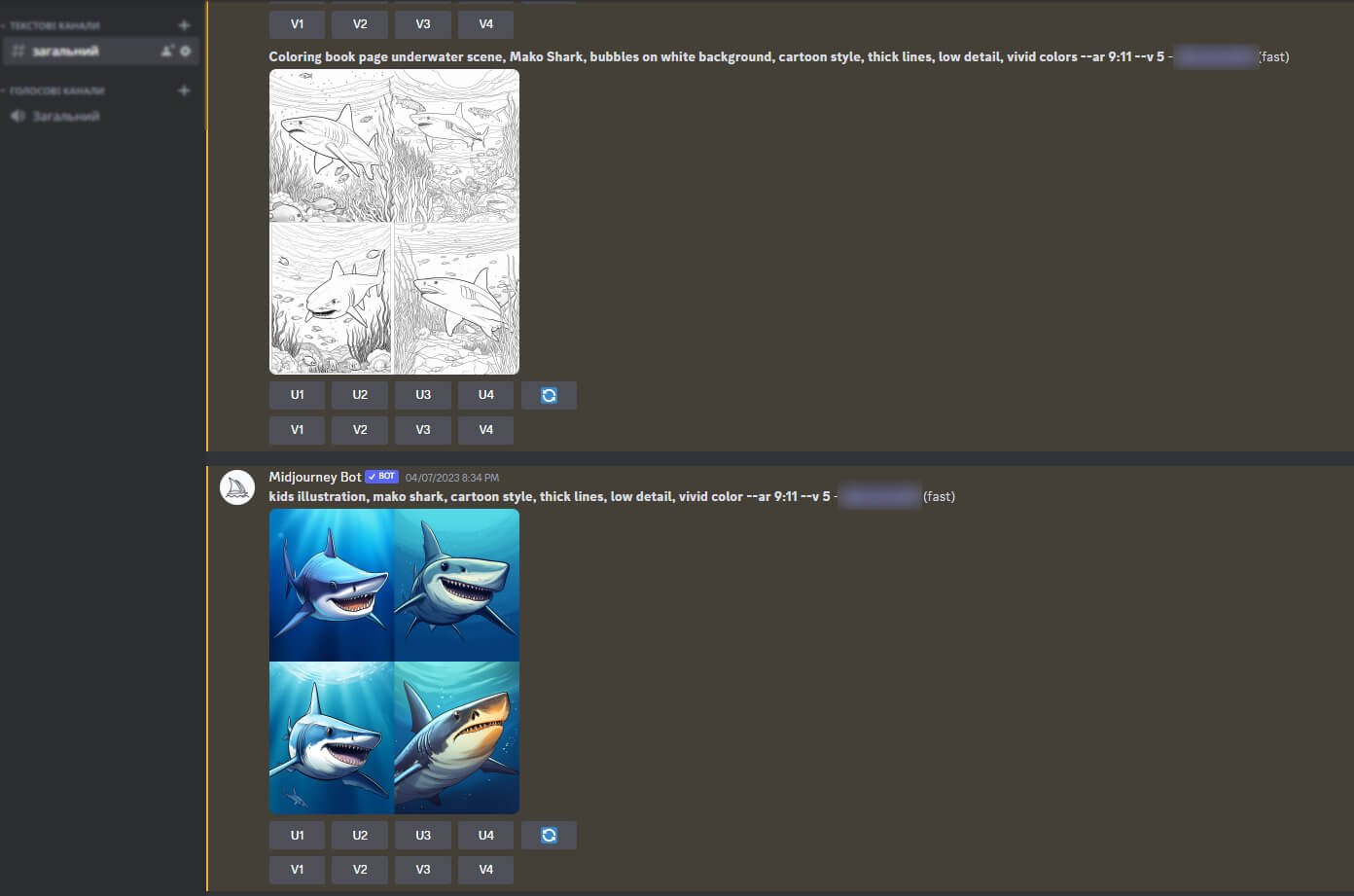
In this article, we’ll show you 20 prompts you can use with Midjourney to create stunning coloring book pages that are sure to captivate your audience.
Here are some examples of the prompts you can use:
-
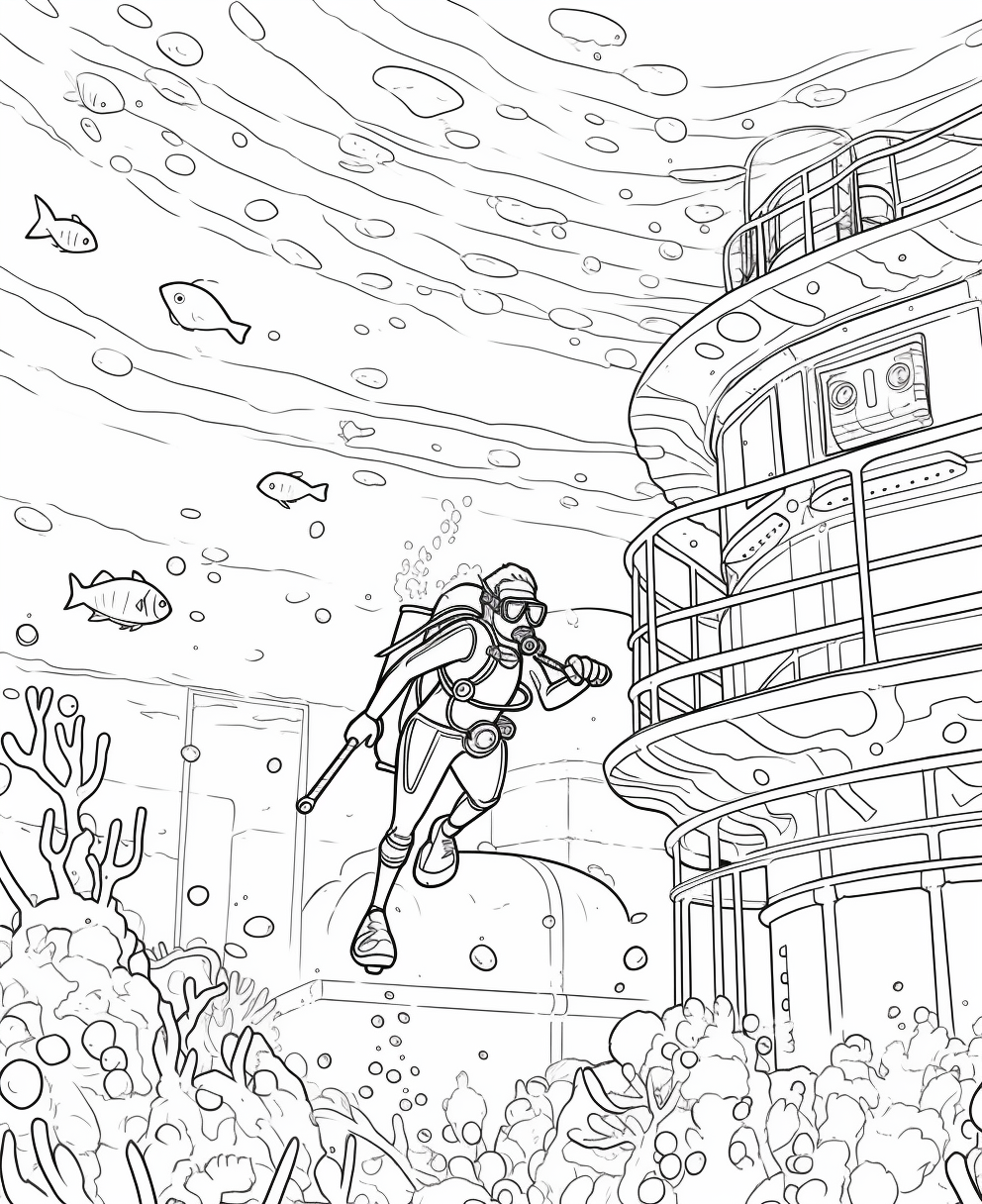
- Prompt: Coloring book page underwater scene, a diver swims near a sunken ship, bubbles on white background, cartoon style, thick lines, low detail, no shading
-
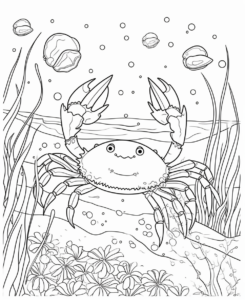
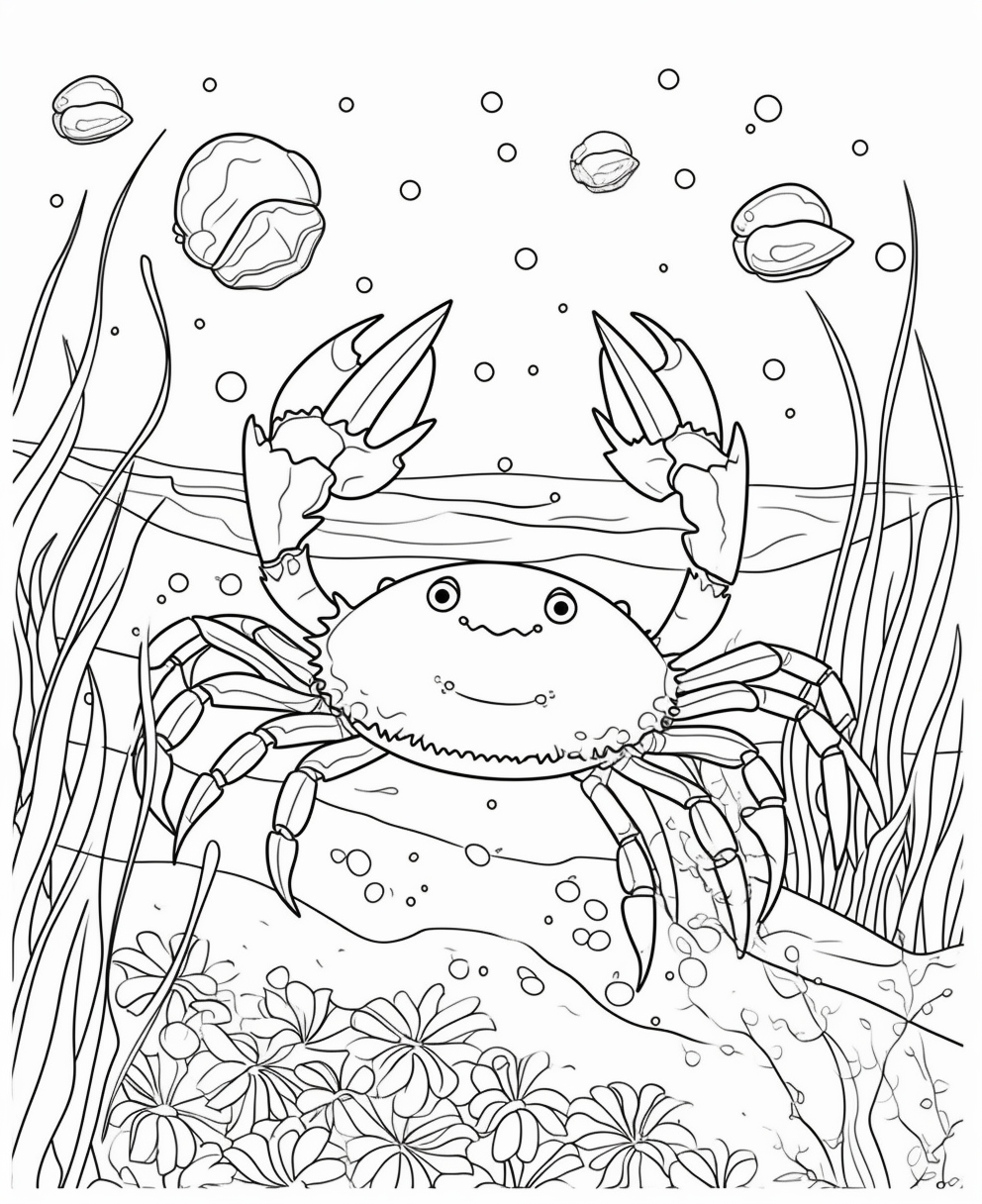
- Prompt: Coloring book page underwater scene, Blue Crab, bubbles on white background, cartoon style, thick lines, low detail, no shading
-
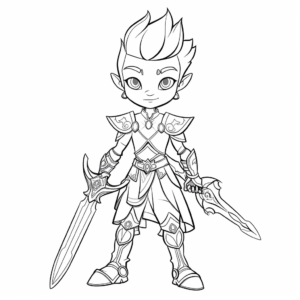
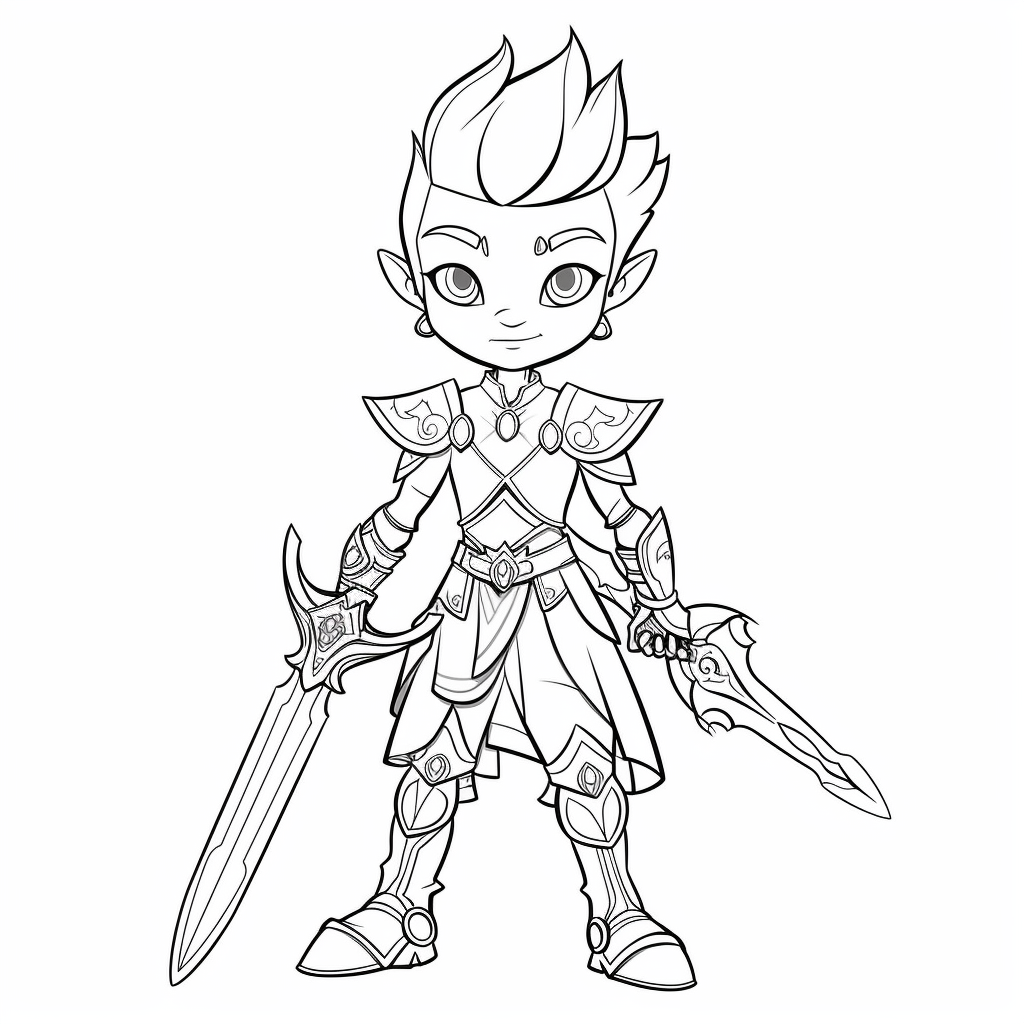
- Prompt: Prince warrior, coloring pages, no background, without color, cartoon, white for coloring, Children, strong
-
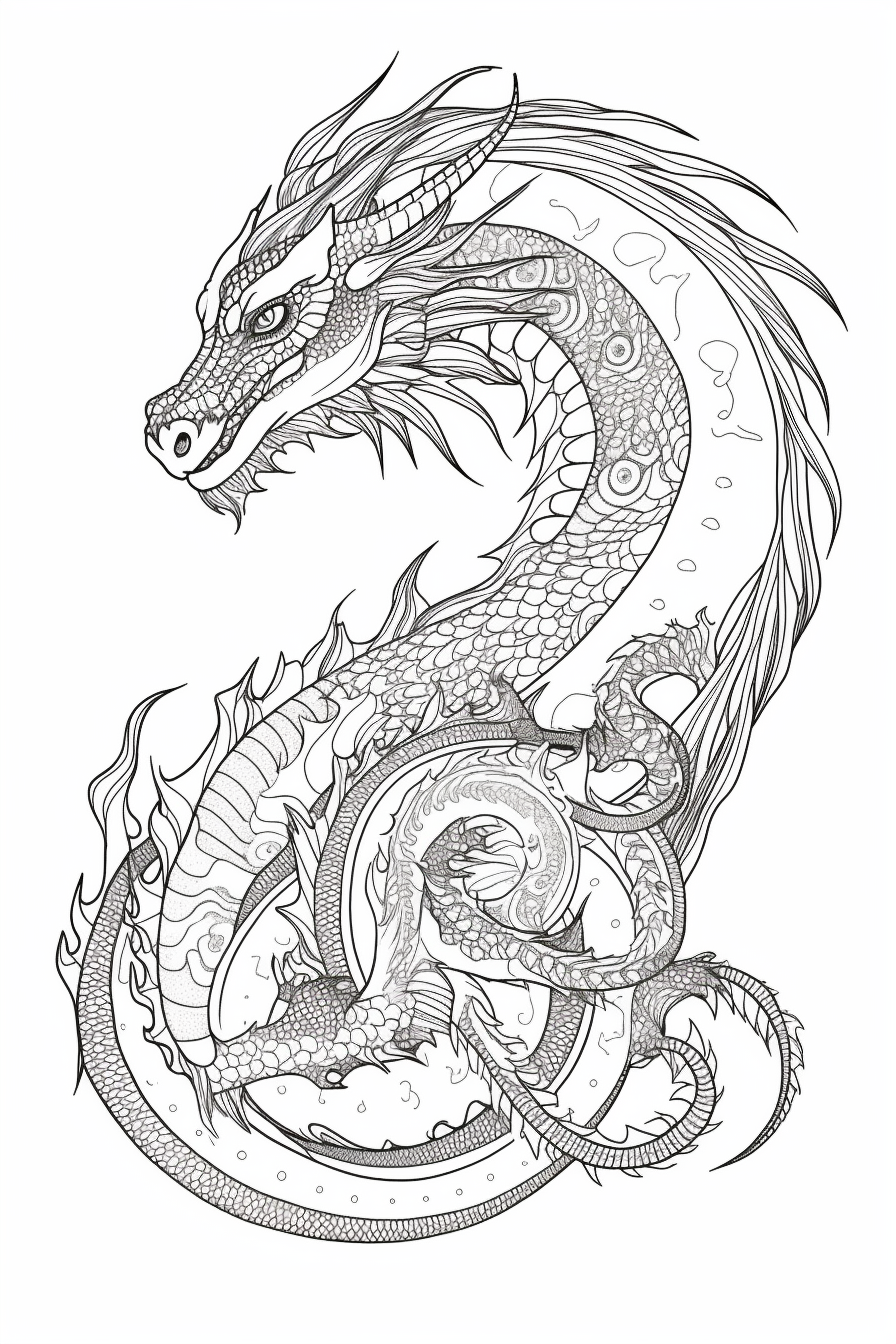
- Prompt: Supple, macro, fantasy dragon, coloring page, no background, without color
-
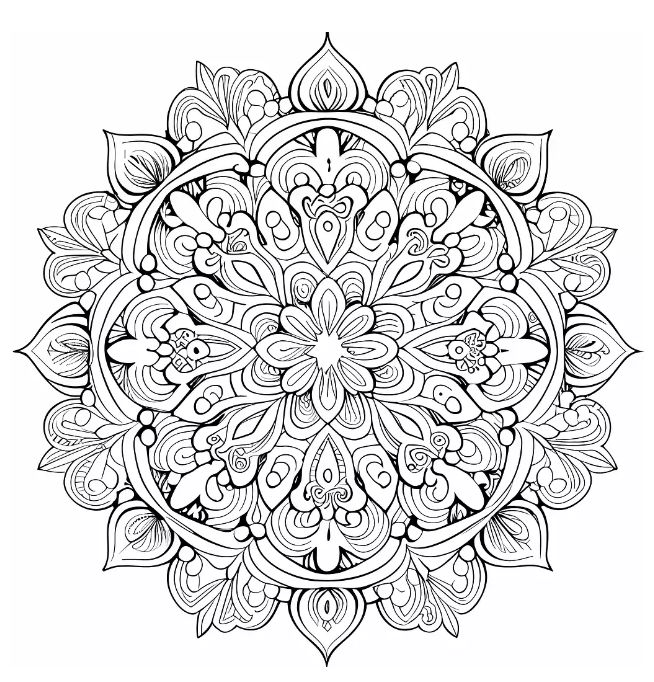
- Prompt: symmetrical mandala intricate, coloring page –q 2 –s 750 –upbeta
-
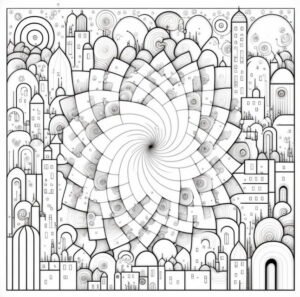
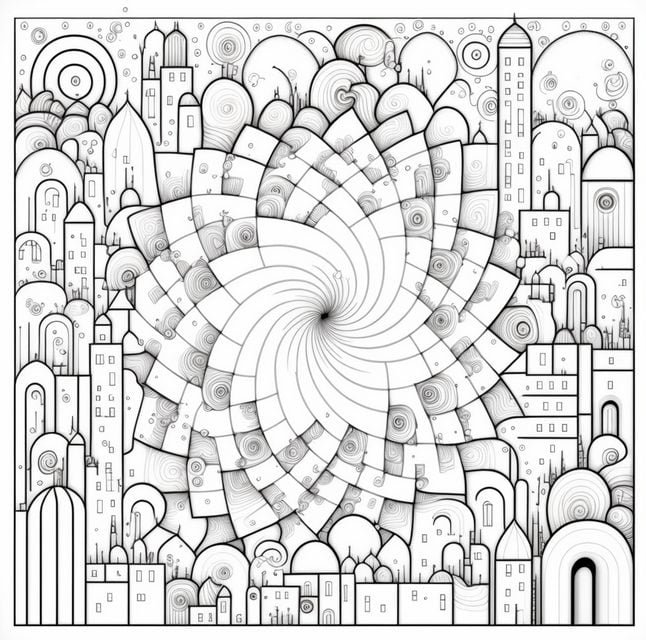
- Prompt: coloring book design, coloring book page, Paris France, colouring book style, coloring book for adults, full page, edge to edge, full field of view, outline, contour style, 2d, flat design, large geometric forms, hyper simple style, large shapes and forms, large closed shapes, white space to fill, white background, no filling, no spirals, no shadow, 8k resolution similiar
-
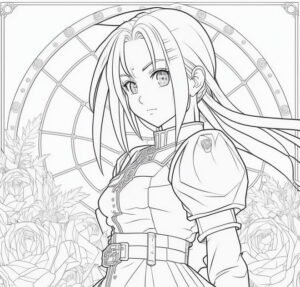
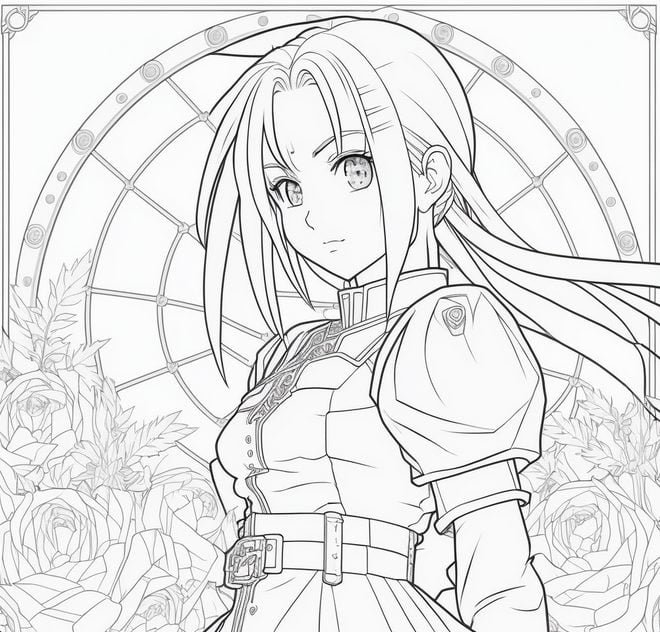
- Prompt: coloring book page, black and white line art, anime girl in the style of fullmetal alchemist
-
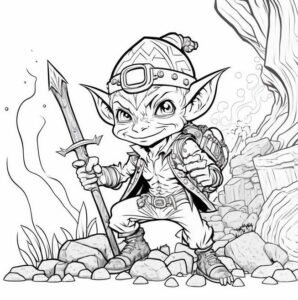
- Prompt: black and white digital art, kawaii anime style supernatural goblin – human adult, mining action pose outdoors, realistic, outlined art, line art, adult coloring book no border

-
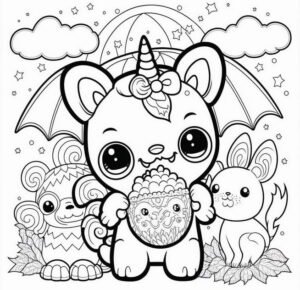
- Prompt: black and white digital art, kawaii anime style supernatural goblin – human adult, mining action pose outdoors, realistic, outlined art, line art, adult coloring book no border

-
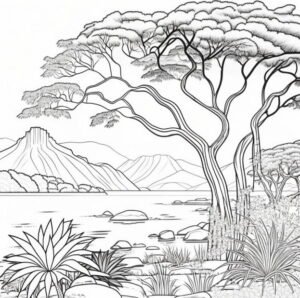
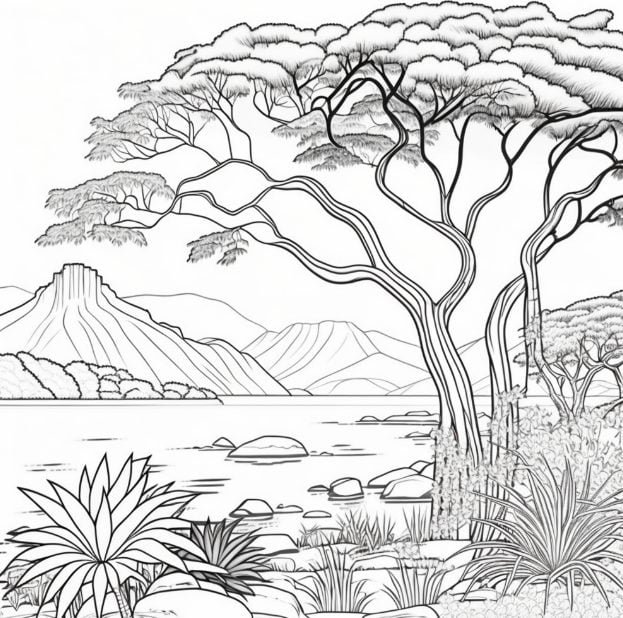
- Prompt: coloring book page, Generate argentinian nature landscape background. clean and simple line art
-

- Prompt: coloring book, flat vector, technical pen style, doodle style, white background, minimalistic, panorama view of a fantasy storybook cottage, dynamic pose, 100% white fill, swirly folk art syle, mystical, unusual, black and white, no noise, clean lines, outline art, no black filling

-
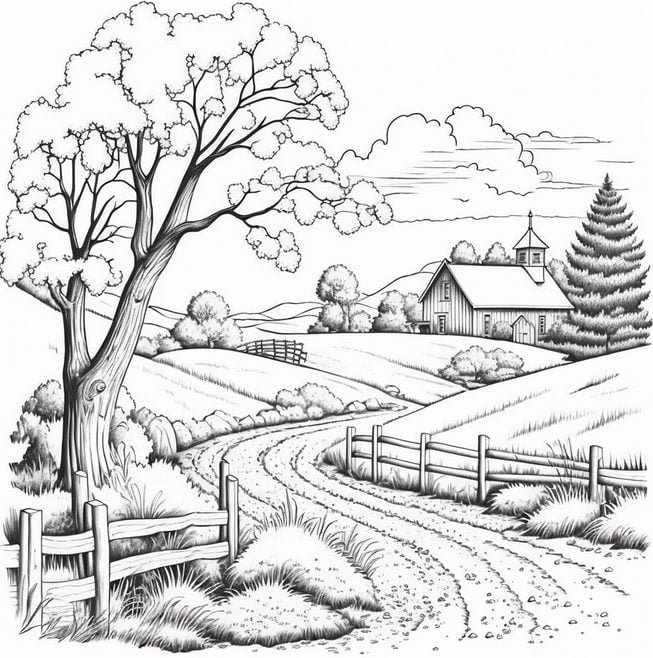
- Prompt: countryside scene coloring page
No matter what type of coloring book you want to create, Midjourney can help you bring your vision to life. So, start exploring these prompts and see where your creativity takes you!
Use Canva to put everything together
Now that we have our niche and our book elements, it’s time to put everything together using a tool like Canva.com. Canva is a graphic design tool that allows us to easily create designs for our coloring book pages.
To use Canva, we first need to sign up for an account. Once we have our account, we can create a new design using one of the many templates that Canva offers.

We can then upload our book elements and use Canva’s drag-and-drop interface to place them on our coloring book pages.
Once we’re happy with our designs, we can export them as PDFs and upload them to Amazon KDP to start selling our coloring book.
Conclusion
Creating a coloring book that sells is not an easy task, but with the help of AI tools like ChatGPT and Mid-Journey AI, we can make the process a lot easier. By doing niche research on platforms like Amazon and using tools like Book Bolt to verify our niche, we can ensure that we are creating a coloring book that has a good chance of selling. By using Canva to put everything together, we can create beautiful and unique designs that will attract customers and help us stand out in a crowded market.
So if you’re thinking about creating a coloring book, consider using AI tools to help you along the way. With a little bit of creativity and some AI-powered assistance, you can create a coloring book that will be both fun to color and profitable to sell.